
PostgreSQL connection pooling explained
Doha I. · Published
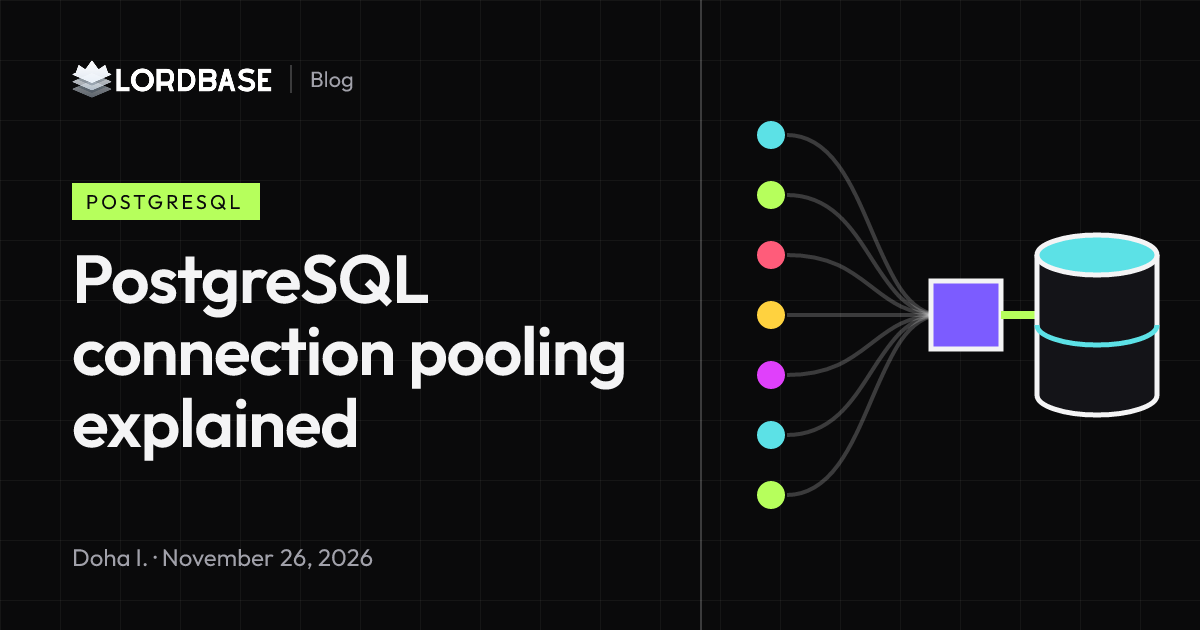
PostgreSQL starts a separate server process for each connection, so thousands of short-lived connections waste memory and can exhaust the server. Connection pooling keeps a small set of connections open and reuses them across requests. Use a bounded pool in every application process, add up the pools across processes and replicas, and keep the total below the database's connection limit.
"Too many connections" is one of the most common PostgreSQL outages, and it usually appears right when traffic grows. Connection pooling is how you avoid it.
Why PostgreSQL needs pooling
Every PostgreSQL connection is a separate server process with its own memory. Opening a connection also costs time (authentication, TLS, process start). An application that opens a connection per request, or a serverless platform that starts many short-lived instances, can create far more connections than the database can handle.
Two layers of pooling
- In the application. Your driver or ORM keeps a pool per process (for example a pool of 10). Requests borrow a connection and return it.
- In front of the database. A pooling service accepts many client connections and multiplexes them onto fewer server connections.
Most production setups use both.
How to size pools
Add it up:
total = processes × pool size per process × replicas
Keep total below the database limit, with room for migrations, admin tools and monitoring. A smaller pool with queued requests is usually faster than a large pool fighting for CPU.
Session features to test
Poolers that share server connections between clients can change how session state behaves. Test these against your deployment:
- temporary tables
- session variables (
SET) - advisory locks
- prepared statements
LISTEN/NOTIFY
Pooling on LordBase
LordBase exposes PostgreSQL pooling status and the live client and server connection lists for each database, in the dashboard and the API, so you can see contention before it becomes an outage. Connections per database are 25 on Free, 100 on Basic and 200 on Professional. The documentation does not promise a specific pooling mode, so test the session features above. Details: connection pooling, glossary.